
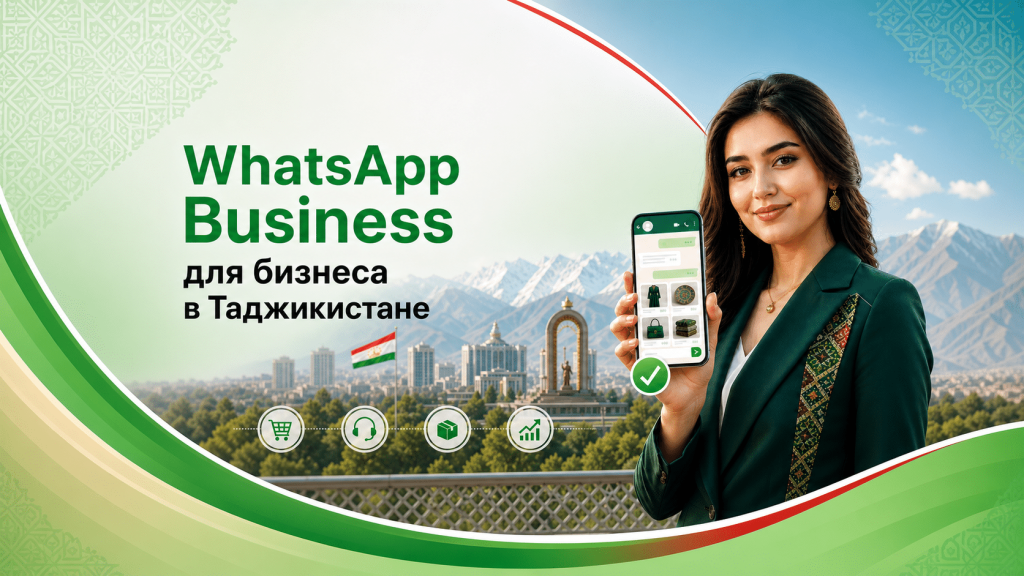
Look at how people actually buy from many companies in Dushanbe. Someone sees an ad, taps a button and writes on WhatsApp. There they check the price, availability and delivery and agree on payment. In this chain, the website and Instagram only bring the customer to the conversation; the sale itself happens in the messenger. Whether you need WhatsApp is no longer a choice: customers write there anyway. The real question is whether you manage these conversations or let them run on their own.
Where customers get lost
The typical picture looks like this: money is spent on advertising, a person clicks the link and then lands on a manager’s personal number. The employee’s phone holds dozens of chats mixed in with family ones, with no statuses and no history for colleagues. If the manager falls ill, quits or simply misses a message, the customer goes to a competitor. In effect, the most important part of the funnel is left without any system.
WhatsApp Business: what it adds to the ordinary messenger
The familiar WhatsApp is designed for personal communication. The business version is a separate free app with tools for working with customers:
- Catalogue. Photos, descriptions and prices of products or services are available right in the profile, so customers don’t have to wait for a manager to send a price list.
- Greeting and auto-reply. People get a response straight away, even if it is the middle of the night or all staff are busy.
- Quick replies. Ready-made texts for typical questions are inserted with a single tap.
- Labels. Chats can be tagged “new”, “awaiting payment”, “regular customer”. The result is a basic CRM at no extra cost.
- Statistics. You can see how many messages were sent, delivered and read.
Benefits for different types of business
Shops and retail. Many people write in a messenger precisely because they don’t want to search the website for what they need. A catalogue inside WhatsApp noticeably shortens the path from the first question to payment.
Salons, clinics, workshops. Wherever customers book a time slot, templates and labels take some of the load off the receptionist. Less routine means less risk of losing an enquiry.
B2B. Read receipts and the full conversation history put an end to “you never sent us that” disputes: everything is recorded in one window.
A messenger works better when it is connected to your other channels — read more about digital promotion.
Launch in six steps
- Move your business number to WhatsApp Business. The app is free, and your number and chat history are kept when you switch.
- Complete your profile in full. Name, line of business, address, opening hours, website link — customers look at all this before they even send a first message.
- Build a catalogue. Start with your most popular items, with photos and prices. That alone will take care of most repetitive questions.
- Set up a greeting and an out-of-hours message. For example: “Hello! Thank you for getting in touch. We will reply during working hours: Monday to Friday, 9:00 to 18:00.”
- Prepare quick-reply templates for the main questions: price, timing, availability, delivery.
- Introduce labels so you can see what stage each customer is at.
Mistake: ads lead somewhere the customer doesn’t want to go
Sometimes a company runs targeted ads that send people to a website with a long enquiry form, while the audience would rather just write in a messenger. If the ad has no direct button to open a chat, some interested people drop out before the first contact. Check that your campaign’s end point matches your audience’s habits, and calculate the cost per lead for each option — more on this in our article on advertising CPA, ROI and LTV.
Frequently asked questions
Can you send mass mailings from WhatsApp Business?
The app has a broadcast feature, but with restrictions: only people who have saved your number in their contacts will receive the messages, and sending volume is limited. For large mailings and automation, businesses use the WhatsApp Business API, which is connected through certified providers.
Do staff need training?
The interface is easy to learn. What matters more is agreeing on a single communication standard: what tone to use, how quickly to respond, which phrasing to use. Otherwise different managers will talk to customers in different ways.
Can a messenger replace a website?
It is better to use them together. A website brings people in from search, builds trust and provides detailed information. WhatsApp helps convert those who want to settle things in a live conversation.
If you want to turn your chats into a managed sales channel and connect it with your advertising, get in touch with SKY Central Asia — we will review your funnel and suggest a set-up as part of our digital services.


Leave a comment